
How to Make Copies of Passport for Travel: A Practical Guide
How to make copies of passport for travel is a question every international traveler should prepare for before departure. Losing a passport or having it stolen can quickly disrupt your trip, yet creating and securely storing passport copies significantly reduces the impact of such emergencies. This guide explains which passport pages to copy, how to safely handle physical and digital copies, and how to effectively use those copies if your original passport goes missing.
Key Takeaways
- Copy only your passport’s biographical data page and relevant visa pages to balance usefulness and privacy.
- Store physical copies separately from your original passport, such as in hotel safes or locked luggage, while carrying the original securely on your person.
- Create encrypted digital backups saved in reputable cloud services with multi-factor authentication and share access only with trusted emergency contacts.
Which Passport Pages Should You Copy for Travel?
Knowing exactly which passport pages to copy is fundamental before making any backups. The goal is to have copies that are genuinely useful for identity verification, visa checks, or replacement processing without exposing unnecessary personal information.
- Copy the Biographical Data Page: This page includes your photo, full name, nationality, date of birth, passport number, and expiration date. It is the primary page requested by authorities for proof of identity and vital for replacing a lost or stolen passport.
- Include Relevant Visa Pages Only: If you currently hold visas stamped in your passport that are essential for your travel plans, make copies of those specific visa pages. Avoid copying visa pages from prior trips that are no longer relevant to preserve privacy.
- Avoid Unnecessary Pages: Do not copy pages with unrelated visa stamps, entry/exit stamps, or blank pages as they provide little value and carry additional privacy risks.
This approach balances maximized utility while limiting the risk of oversharing sensitive data. Remember, there is no official global mandate specifying exact passport copy requirements, and embassy or customs officials may have varying informal preferences. However, copying the biographical data page and relevant visa pages is widely recommended by travel security experts and legal advisers.

How to Make Physical Copies of Your Passport Safely
Physical passport photocopies remain an important travel backup, complementing digital copies. Here are the best practices to prepare and secure these copies during travel:
- Use Clear, High-Quality Copies: Create photocopies or scans of the selected pages with sharp text and photos. Print on durable paper that resists crumpling or tearing.
- Store Copies Separately from the Original Passport: Never keep physical copies in the same bag, wallet, or pocket as your original passport to avoid losing both simultaneously.
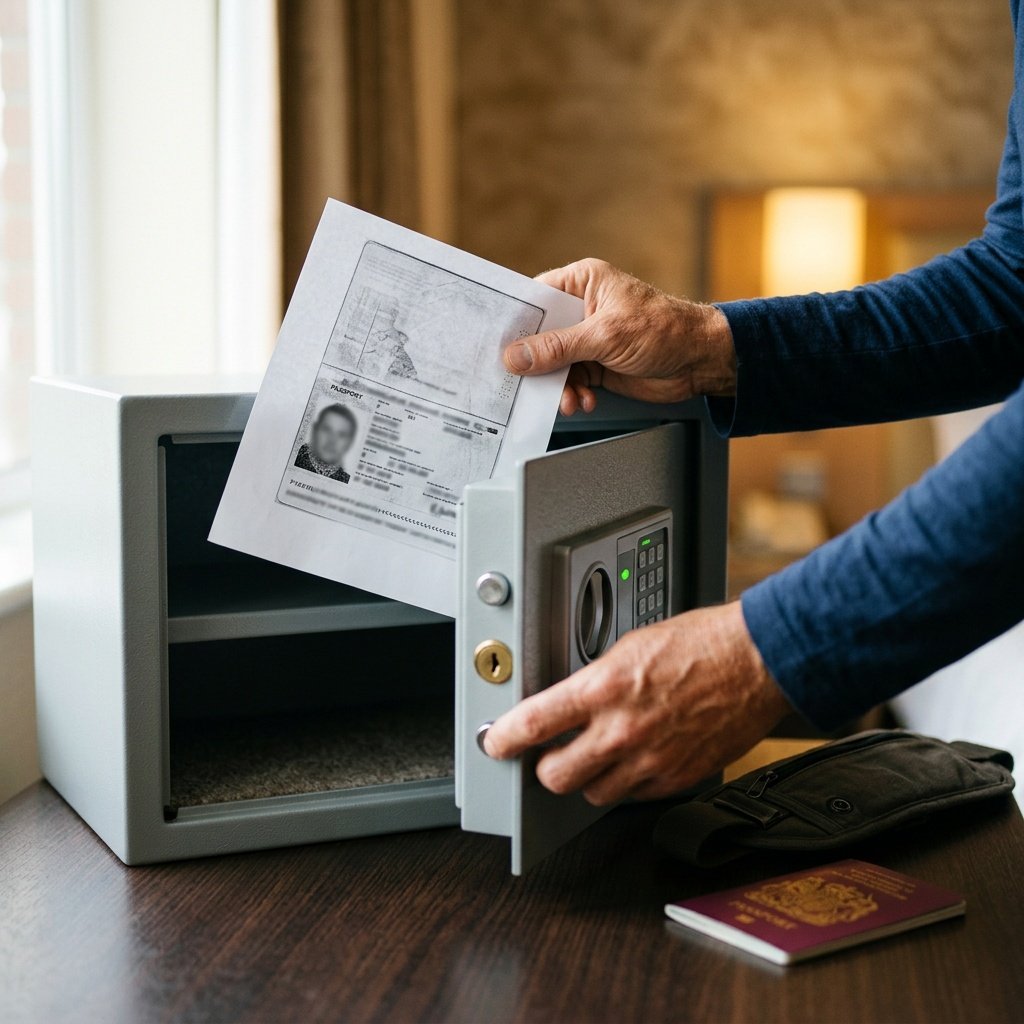
- Secure Storage Locations: Place one or more copies in a locked hotel safe or a locked piece of luggage or drawer at your accommodation. This reduces theft risk while away from your room.
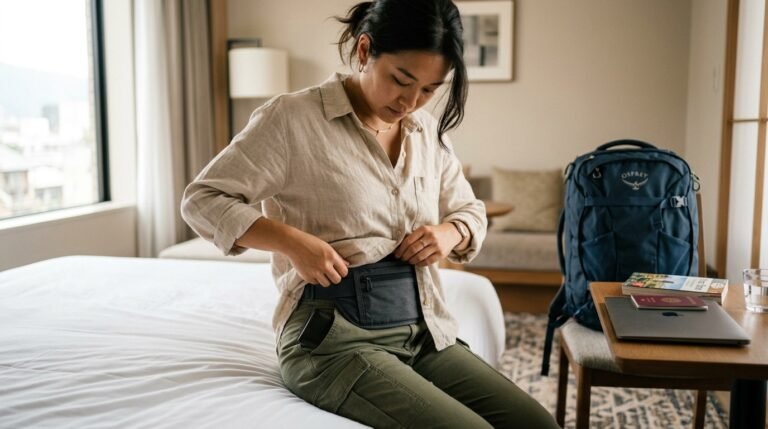
- carry a concealed copy When Needed: If you decide to bring a copy with you daily, keep it hidden in a money belt, neck wallet, or other concealed travel security accessory rather than a visible pocket or wallet.
- Keep the Original Passport on Your Person: Carry your passport physically separated and concealed from any copies, ideally in a secure money belt, neck pouch, or passport holder that you control at all times.
These steps help ensure you can still prove identity or get emergency assistance if your passport is lost or stolen without increasing exposure to theft risk. While no laws prohibit carrying passport copies, local customs and security practices vary, so stay aware of country-specific advice. For official travel security advice, consider guidelines issued by government travel advisory sources.
For broader travel security, consider consulting our travel security gear guides for accessories like money belts and secure luggage solutions.
Creating Secure Digital Backups of Your Passport
Digital passport backups add convenience and accessibility in emergencies but demand strict security to protect your personal data. Follow these guidelines when creating digital passport copies:
- Scan at High Resolution: Scan the biographical data page and any critical visa pages clearly to capture all details.
- Encrypt Your Digital Files: Use strong encryption methods such as AES-256 to protect files from unauthorized access. Encryption tools and apps are widely available for this purpose.
- Use Strong, Unique Passwords: Protect encrypted files with passwords that are long, complex, and not reused on other accounts or files.
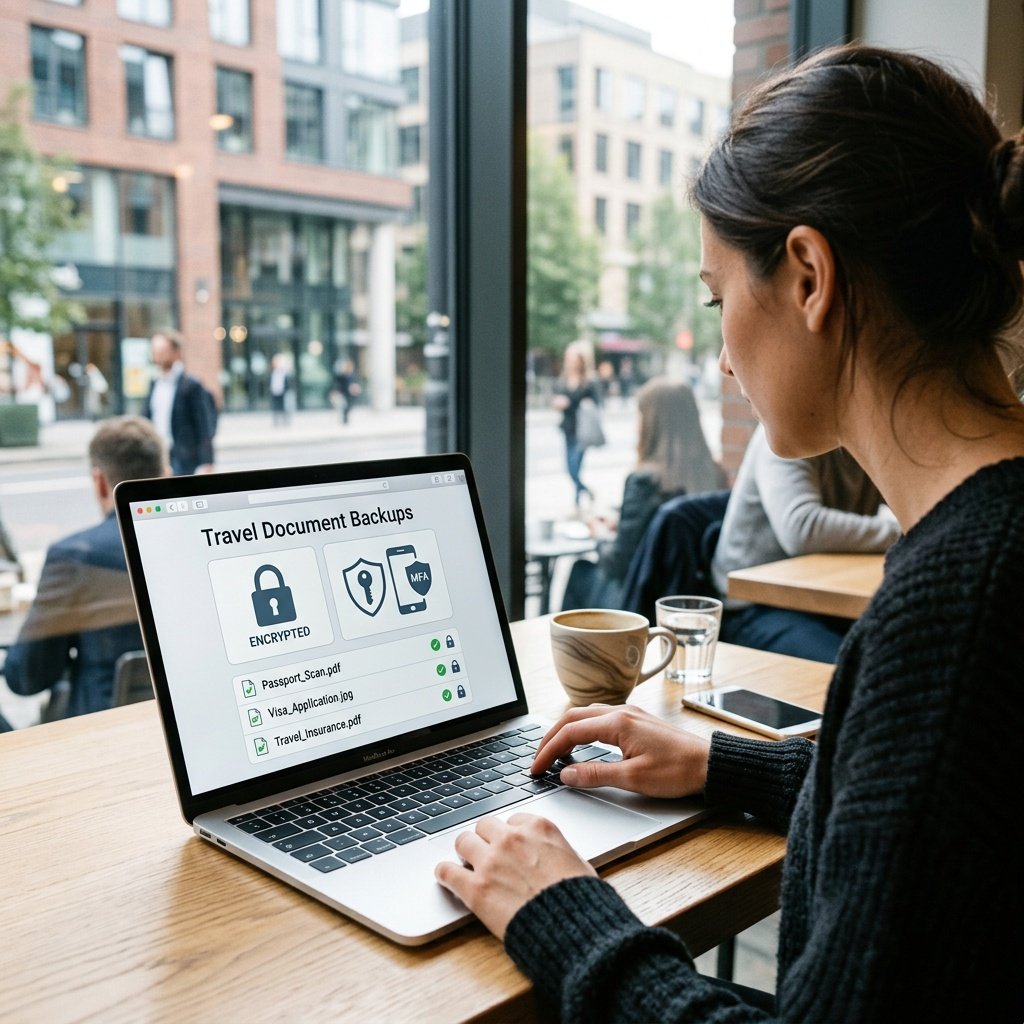
- Store Copies in Secure Cloud Services: Upload encrypted files to reputable cloud storage providers that offer multi-factor authentication, such as Google Drive, Dropbox, or Microsoft OneDrive. Multi-factor authentication adds an extra layer of account security.
- Email Copies Only Securely: If emailing copies to yourself or trusted contacts, use encrypted email services and avoid public Wi-Fi or unprotected networks.
- Maintain offline encrypted backups: Save encrypted copies on USB drives stored in a fireproof safe or other secure physical location to reduce reliance on cloud availability.
- Share Access Wisely: Provide trusted emergency contacts with instructions and means to access the digital backup only if needed. This helps facilitate rapid passport replacement if you cannot communicate directly.
Although no government officially endorses any particular encryption tool or cloud provider, travelers should research and select options with strong reputations for security and privacy. Proper digital protection prevents theft or interception, which could otherwise lead to identity fraud or exposure of sensitive data.
To enhance your understanding of travel digital security, consider visiting our travel document digital security best practices guide for detailed recommendations.
What to Do If You Lose Your Passport — Using Copies to Expedite Replacement
If your passport is lost or stolen during travel, having physical and digital copies prepared can significantly streamline the process of replacement and reduce disruption:
- Present Copies to the Embassy or Consulate: Your passport copies provide proof of identity to consular staff. This can help verify your details quickly when applying for a new or emergency travel document.
- Use Digital Copies to Speed Up Verification: Digital scans can be emailed or shown immediately to officials, allowing them to confirm and cross-reference your identity without delay.
- Trusted Contacts Can Assist: If you are incapacitated or without connectivity, a family member or friend with access to your digital backup can forward copies to the embassy on your behalf.
- Have Embassy Contact Information Handy: Keeping local embassy or consulate phone numbers and addresses saves precious time during emergencies.
Real-world traveler experiences back up the value of prepared copies. For example, one traveler was able to secure a replacement passport by sharing a digital copy in advance, which accelerated embassy processing times. While policies regarding emergency passports differ by country, copies consistently ease identity verification processes.
For detailed next steps after loss or theft, see our guide on How to Get an Emergency Passport Abroad from the U.S. State Department for authoritative instructions on embassy procedures and passport replacement.
Tips and Common Mistakes When Making Passport Copies
Even well-intentioned passport copy efforts can be undermined by avoidable errors or security missteps. Here are common pitfalls to watch out for:
- Do Not Share Copies Over Public Wi-Fi or Unencrypted Email: Transmitting passport copies without encryption or on unsecured networks exposes you to interception and identity theft.
- Avoid Keeping Copies in Easily Accessible or Visible Locations: Stashing passport copies in wallets, pockets, or handbags where theft is likely defeats the purpose of separation and safety.
- Never Post Passport Copies on Social Media or Online Platforms: Oversharing such sensitive information publicly puts you at serious risk of identity fraud or impersonation.
- Remember Copies Have No Legal Value: They are informational aids during emergencies but do not replace or legally substitute your passport.
- Do Not Rely Exclusively on Physical or Digital Copies Alone: Both types complement each other — physical copies are valuable when technology fails, and digital backups offer remote accessibility.
By avoiding these mistakes, you maintain the effectiveness and security of your passport copies and increase your preparedness for travel challenges.
In summary, being proactive and thoughtful when making passport photocopy travel backups shields you against common pitfalls and security breaches.
This guide aimed to empower you with clear, practical steps to create secure passport copies, safeguard your identity, and act decisively in emergencies. Having these safeguards means peace of mind on your journey and greater travel continuity if the unexpected occurs.